
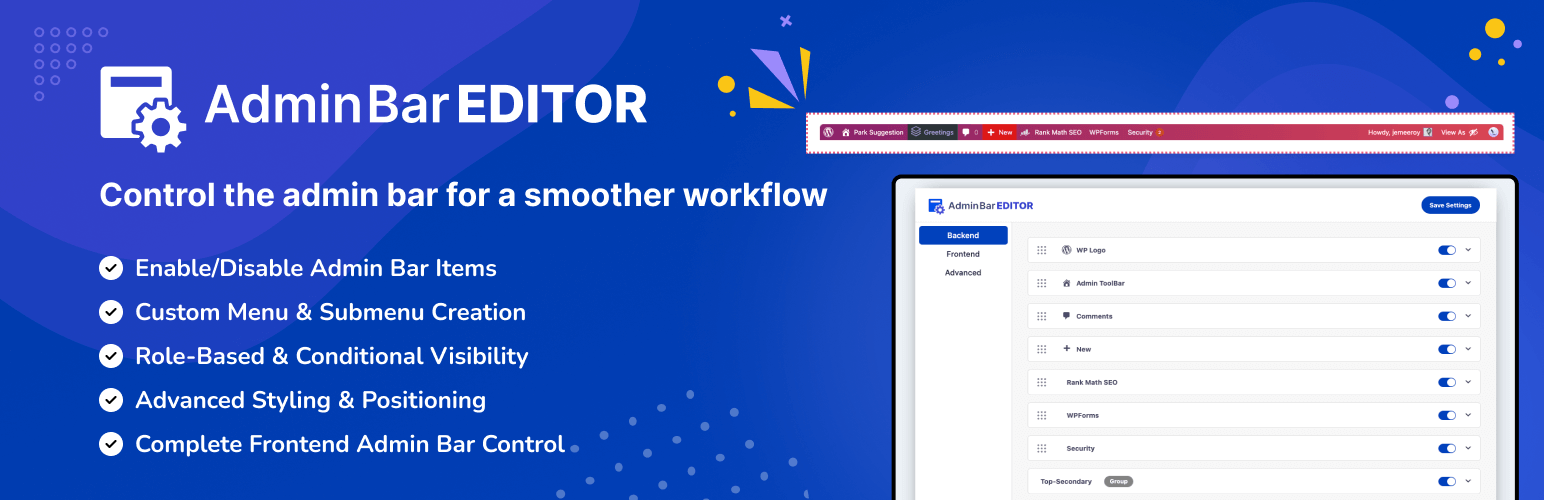
Admin Bar Editor – Toolbar Customization with User Role-based access & Custom menus, WordPress Plugin
Project Overview
Admin Bar is a highly functional WordPress utility designed to give developers and site owners total control over the WordPress Toolbar (Admin Bar). As a Long-term Maintainer and Lead Developer, I have engineered this plugin to work seamlessly across both the frontend and backend of WordPress. It solves a major UI/UX hurdle: the rigid and often cluttered default admin bar that lacks granular visibility controls and custom branding options.
The Story: Overcoming the “Fixed” Toolbar
The Problem: A Cluttered Global Interface
The WordPress Admin Bar is the primary navigation hub for logged-in users, yet it is notoriously difficult to customize without heavy coding. For agencies and multisite owners, the “standard” bar often displays links and logos that are irrelevant to specific user roles or confusing for clients. My goal was to build a tool that treats the Admin Bar not as a fixed element, but as a dynamic navigation component that adapts to the user’s context and role.
The Technical Challenge: Hook-Heavy Architecture
Unlike standard page content, the Admin Bar is rendered through specific global hooks and class methods in the WordPress core. To build a robust customizer, I had to implement a deep “Hook-Driven” architecture. The plugin makes heavy use of native WordPress filters and actions while also providing a suite of Custom Hooks, allowing other developers to extend the plugin even further. This ensures that the plugin is not just a styling tool, but a developer-friendly framework.
Technical Highlights
- Role-Based Visibility Logic: Engineered a sophisticated permission system that allows administrators to hide or show specific bar items based on user roles (e.g., hiding “Updates” for Contributors but showing them for Super Admins).
- Dual-Environment Support: Optimized the code to perform equally well on both the WordPress Dashboard (Backend) and the public site (Frontend), ensuring a consistent branded experience everywhere.
- Menu Reordering & Management: Built a drag-and-drop interface logic that allows users to reorder existing menu items, add custom links, and inject new actions into the bar without touching PHP.
- Branding & White Labeling: Developed a design engine that enables users to swap the WordPress logo for a custom brand logo, change background colors, and modify typography to match the site’s overall aesthetic.
- Performance-First Execution: By utilizing specialized hooks and conditional loading, I ensured that the customization logic only runs when necessary, preventing any perceptible impact on site load times.
The Evolution: Maintaining a Developer’s Utility
Maintaining the Admin Bar plugin involves constant vigilance regarding WordPress core updates. My work focuses on:
- Core Synchronization: Ensuring that as the WordPress core team adds new features to the Toolbar (like the Site Health or Gutenberg shortcuts), the plugin continues to manage them flawlessly.
- Extensibility: Maintaining a library of custom hooks that allow third-party developers to register their own Admin Bar sections via our plugin.
- UI/UX Cleanup: Continuously refining the settings interface to make complex role-based logic easy to understand for non-technical users.
Project Impact
- Streamlined Workflows: Thousands of users now use the plugin to remove “Menu Bloat,” leading to faster navigation and cleaner client hand-offs.
- Agency Standard: The plugin has become a staple for agencies that need to white-label the WordPress experience and provide a simplified interface for their clients.
- Developer Flexibility: By providing a hook-rich environment, I’ve enabled other developers to build their own custom Toolbar integrations on top of my architecture.